Is Pose AI's Video Generator Good?
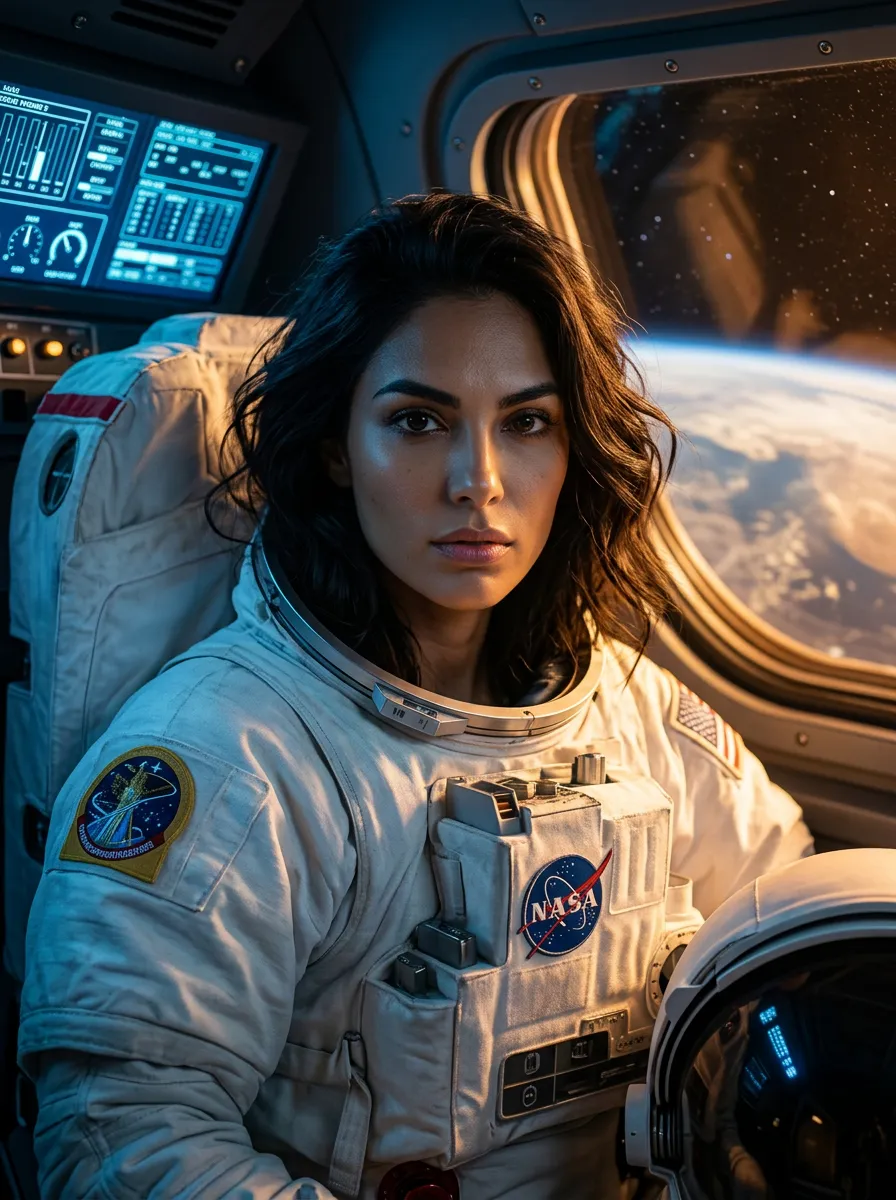
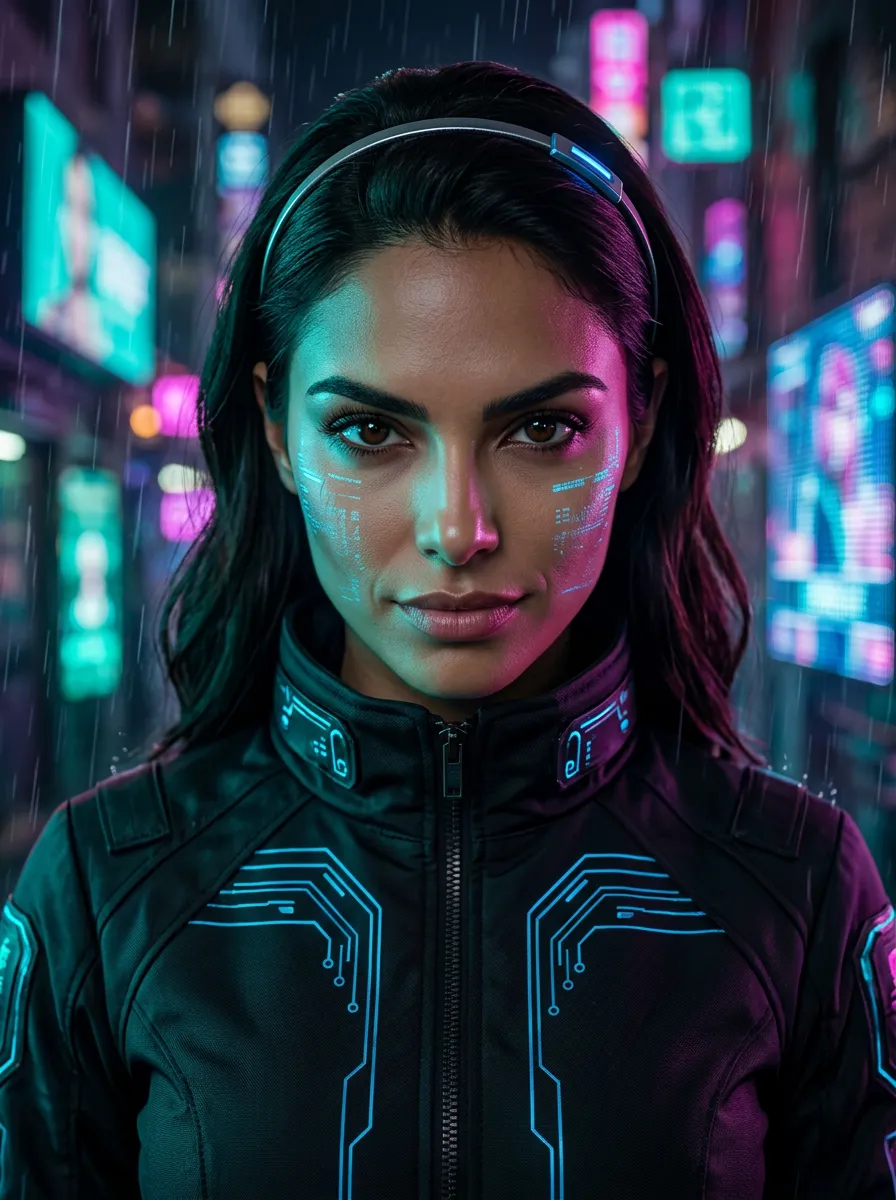
Pose AI's Video Studio is a relatively newer feature that has quickly become one of the app's most talked-about capabilities. Rather than just generating static AI portraits, Video Studio lets users animate their AI-generated portrait images into short video clips using three of the best video generation models currently available: Kling 3, Veo 3.1, and Wan 2.6. The result is a portrait-to-video pipeline that's faster and more accessible than anything else on the market.
The 290 reviews in this category reflect early adopters who've integrated video generation into their content workflow. They skew toward short-form content creators — TikTok creators, YouTube thumbnail producers, Reels editors — who need cinematic-looking video clips for hooks and thumbnails. The feature is newer than Pose AI's image generation, which explains the slightly lower overall rating (4.7 vs. 4.9 for photos), but the trajectory of reviews over 2026 shows consistent improvement as the models update.
What video creators use Pose AI for
- Short-form video hooks: Generating 3–8 second animated portrait clips to use as video hooks on TikTok and Reels
- YouTube thumbnails: Creating animated thumbnail previews that play in YouTube's suggested video hover state
- Ad creative video: Generating spokesperson video content for Meta and TikTok ad formats
- Social media loops: Creating seamless portrait animation loops for story backgrounds and profile headers
- Music video content: Generating artistic animated portrait sequences for music and performance creators
- Product presentation videos: Animating AI-generated portraits for e-commerce product video ads
"Kling and Veo integration inside one app is a game changer. I go from portrait to video clip in two clicks. My short-form content quality went through the roof since I started using Video Studio." — David N., YouTube creator · 85K subscribers
Video quality: what creators actually get
The quality varies significantly by model. Kling 3 is consistently praised for natural motion — portrait animations look fluid, not robotic, with subtle head movement, hair dynamics, and fabric motion. Veo 3.1 produces higher-fidelity output that reviewers describe as "cinematic," making it the preferred choice for longer clips and professional brand content. Wan 2.6 is faster but slightly lower resolution, used primarily for quick drafts and iterating on motion concepts.
The key limitation compared to image generation is speed: video generation takes 30–90 seconds depending on clip length and model, versus 6–10 seconds for images. Several reviewers mention this as the main friction in their workflow, particularly when iterating through multiple motion concepts. That said, the output quality at the 30-90 second wait time is considerably better than what users get from standalone video AI tools at comparable price points.
How video creators rate Pose AI
Value vs. alternatives4.7
What video creators say about pricing
Video generation is included in Pose AI's standard plans ($9.99–$19.99/month), which reviewers consistently describe as excellent value given that standalone AI video tools charge $20–$80/month for comparable generation capabilities. The fact that image generation, video generation, and the underlying portrait consistency engine are all bundled into one subscription is repeatedly called out as a strong differentiator. Creators who previously subscribed to both an image AI and a video AI separately now consolidate to Pose AI and pay less overall.
Any downsides?
The most frequently cited limitation is generation speed — video is slower than image generation, and the wait can disrupt fast-paced content workflows. Reviewers also note that camera movement controls are limited: you can influence the animation style via prompts, but can't specify precise camera angles or movements the way you can in professional video production software. A small number of reviewers mention occasional artifacts in high-motion clips, particularly around fast head movements. These issues appear to be improving with each model update.